
Pick for tonight
Start with your own list or shared picks, then see the titles that fit your choices.

WatchLately is a free movie and TV app for people deciding what to watch with friends and family. Keep your watchlist, see recommendations from people you trust, and find something for movie night.
Android open betaNo credit card needed to get started. We do not sell personal information.
Finding people from your contacts is optional. Contact names stay on your iPhone; numbers you allow are used for a lookup and then discarded. No one is connected automatically. How we handle your data.
Everything your people are sharing, saving, and watching.
See how a dinner-table question became a place to keep your list and share recommendations with your people.
Video plays from YouTube when you choose to watch.
WatchNext narrows the titles you have saved or received from your people. Choose a mood, how much time you have, and whether you want a movie or a series.
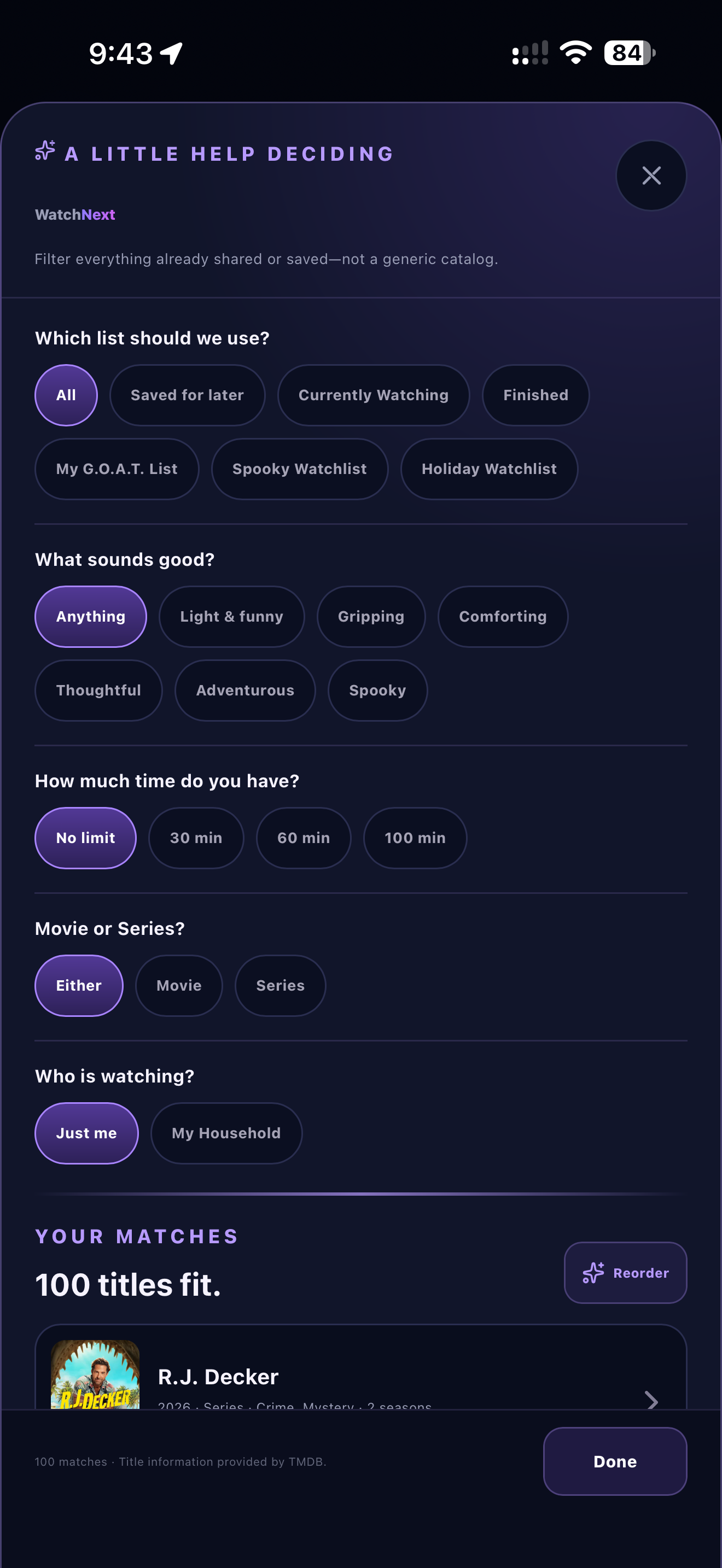
Start with your own list or shared picks, then see the titles that fit your choices.
Turn on season alerts for a series you saved. WatchLately can notify you when a new-season date is available.
Rate titles you have watched and make Seasonal Lists for Halloween, the holidays, or New Year.
These features are free to use. See what is included.
U.S. App Store listing, checked November 11, 2026.
Save movies and shows for later, keep track of what you are watching, and see what friends and family recommend. Private Dinner Tables and Households give a group a place to decide together.
Someone mentions a show they cannot stop watching. Someone else asks whether it is worth starting. WatchLately keeps that familiar conversation going in a private place for the people whose opinions you value.
Start with your own watchlist; friends do not have to join before it is useful. Your account keeps saved, watching, and finished titles together across the app and web. Add people you know when you are ready, and choose what they can see.
When your list gets long, WatchNext helps narrow it by mood, available time, and movie or series, so you can pick something instead of scrolling past “nothing to watch.”